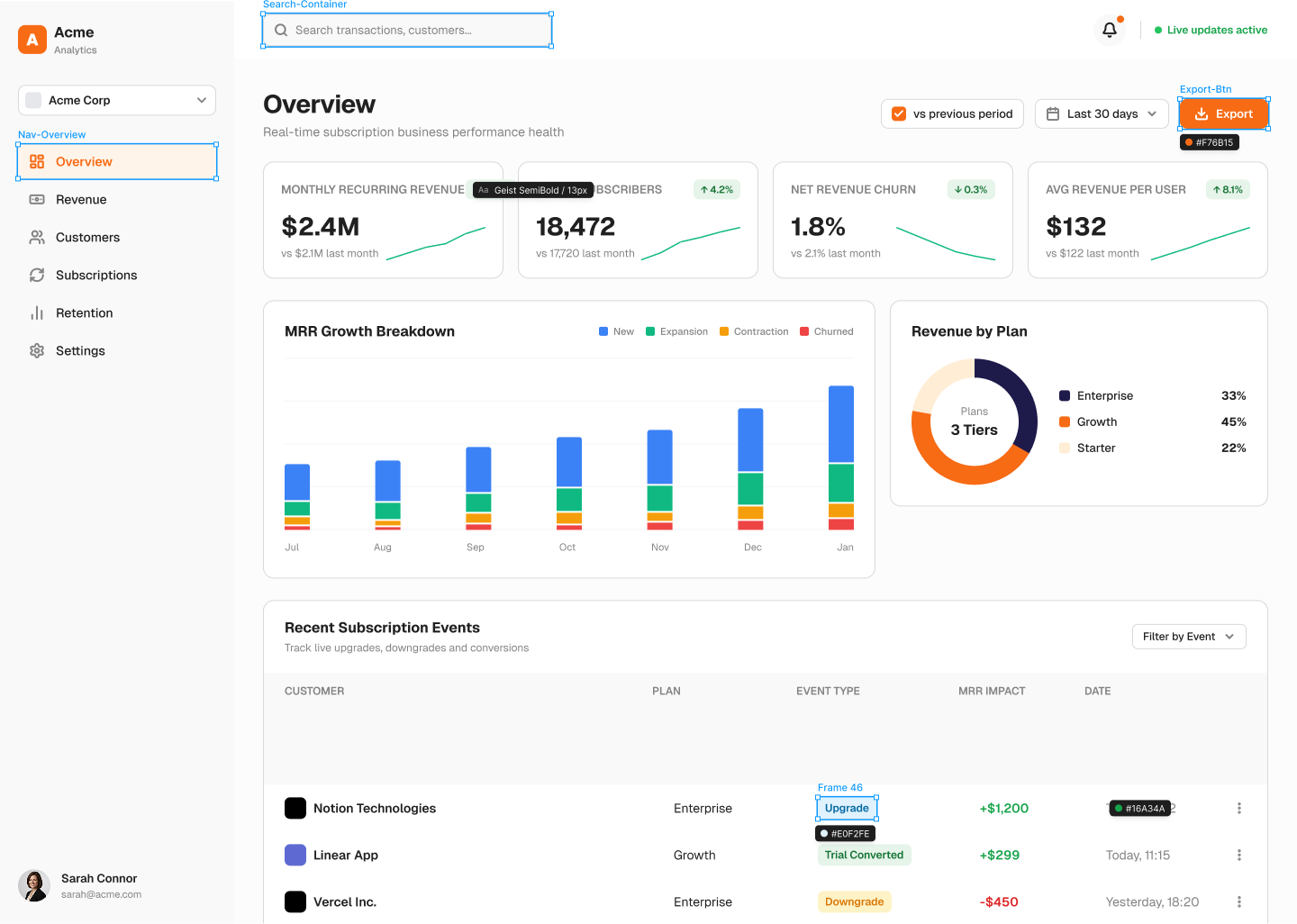
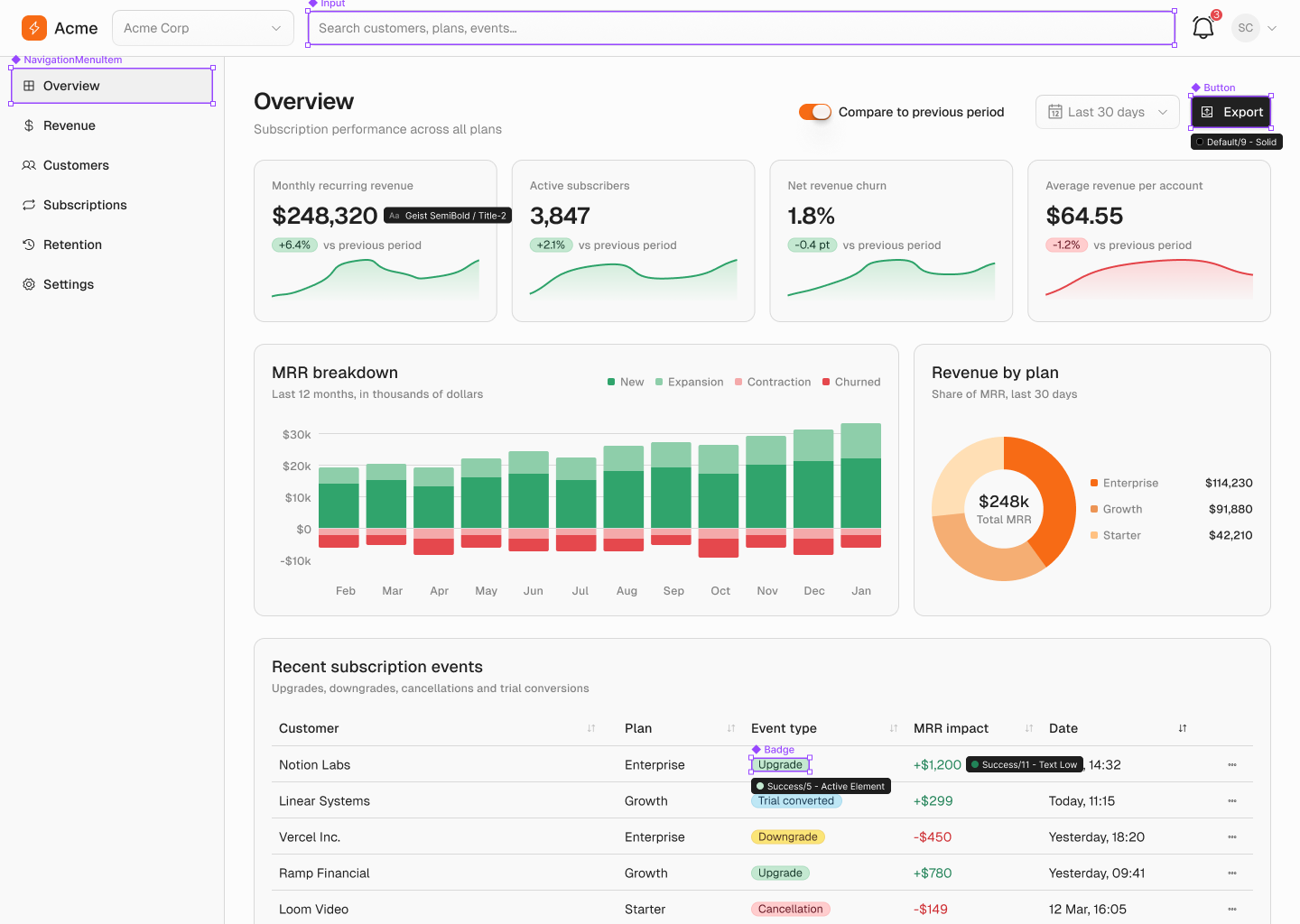
Your agent can only use your design system.
Stellar reads the components, tokens and usage rules your team already maintains in Figma, in your codebase and in your documentation, then holds every generated screen to them.
Private beta. We are onboarding a small number of design system teams.


Three descriptions. One source of truth.
Your Figma library, your codebase and your documentation each describe the same component, and they drift apart. Stellar reconciles them into one entry that holds all three, and the link between them. One source is enough to start.
Figma
LibraryComponents, variants, variables and text styles, read from the published library, not from a screenshot of it.
Codebase
RepositoryThe components your application actually imports, with their real props, the ones an agent has to write, not the ones the docs wish existed.
Documentation
Usage rulesThe usage rules your team already wrote down, wherever they live. Stellar reads them; it does not ask you to write them again.
Stellar
One entry per component, holding all three descriptions and the link between them. This is what every output on the right is made of.
DESIGN.md
For the agent to readA file committed to your repository, so the rules travel with the code and any agent reads them before it writes a line.
Live lookup (MCP)
For the agent to queryThe record, asked rather than read: the agent looks up a component mid-task and gets its Figma definition, its import and its rule.
CSS
For the agent to importYour variables as custom properties. The agent has a name to reach for, so it stops inventing a hex value that is almost right.
One record, three ways to use it.
The same description of your system, reaching the three people who would otherwise each keep a different version of it in their head, in the tools each of them already works in.
Figma
- Figma
- Not linked
- Code
- import { Button } from '@acme/ui'
- Rule
- Primary: one per view.
A reconstruction of the plugin in Figma, not a recording.
Designers, in Figma
Assemble a screen with the agent and get real library components, with the right variant, the right token and the right spacing, instead of a flat layer stack that looks close enough until someone opens it.
In your Figma file, through the plugin
The half that was never written down for a machine.
A list of components tells an agent what exists. Only the rules stop it putting three primary buttons on one screen. Stellar gives every component a page: its Figma definition, its code equivalent, and the do and don’t your team has been repeating in review for years.
Stellar
agent
>Paste the prompt from Stellar
readystellar · connected
A reconstruction of the flow, not a recording.
Where your documentation already states a rule, it is imported with the rest. Where it does not, and it usually does not, the agent drafts it from what your code already does — and a human on your team keeps the last word on what becomes a rule.
The number your design system is finally judged on.
Every screen your team generates either uses the design system or works around it, and today nobody can tell you which. Stellar holds the whole record, and reads back the share that used it.
Connected sources
Figma, the repository, the documentation. Reconciled into one record per component, and kept current.
- Figma
- Solar UI — published library
- Repository
- solar-ui / registry
- Documentation
- solar-ui.com/docs
57 components, in 8 categories.
Every component, as one entry
Its variants, its real import, and the Figma component it is the same thing as. This link is what lets an agent place the right instance in Figma and write the right import in code.
Button
- Variant
- Default · Primary · Secondary · Ghost · Destructive · Link
- Size
- Default · Compact
- State
- Default · Hover · Focus · Disabled
- Code
- import { Button } from '@/components/ui/button'
- Figma
- 84cb9275…30a2a93c
Tokens, with their roles
Not a list of hex values: each step named for the job it does, so the agent asks for a role instead of guessing a colour.
- 1
- Background
- 9
- Solid
- 12
- Text
6 families, 12 steps each.
The rules, attached
What your team has been repeating in review, sitting on the component itself where an agent has to read it.
- Do: Primary is the screen’s main action. One per view.
- Don’t: Don’t wrap a whole sentence in a Link button — that is the inline Link.
Read by the agent
The same record in the three shapes an agent can consume, so it arrives before the first line is written.
DESIGN.md
committed to your repository
Live lookup
queried mid-task by the agent
CSS
your variables, as custom properties
Conformance
One reading, per screen your team generates, against three things — and no percentage on this page, because nobody has measured yours yet.
Components
Did the screen use what your library already contains?
Library instances and imports, against invented equivalents.
Tokens
Did it use the values your system defines?
Bound variables and token references, against hardcoded values.
Rules
Did it respect what your team decided?
The do and don’t set on each component, checked per screen.
Shown with a real design system — Solar UI, 57 components in 8 categories. The conformance reading is in design with the first beta teams and measures nothing yet.
Questions.
Stellar is in private beta. Where an answer is not settled yet, it says so. If you do not find what you need, write to us at hello@stellar.design
- Will it work with our design system?
- If your components live in a Figma library, in code, or in written documentation, they can be read. One source is enough to start. Connecting more is what lets Stellar keep the link between them.
- Ours is large. Does that change anything?
- The record grows with the system rather than being written by hand, so a 200-component library is not a different product from a 40-component one. What does change is how much reconciling the first import has to do, which is exactly what we want to learn from the beta.
- Is this a component library?
- No. Stellar ships no components of its own. Your design system stays the only source of truth, and when it changes, the record changes with it.
- Where does our design system data go?
- This is the first thing we settle with every beta team, and we would rather answer it in a conversation than publish a policy we have not finished implementing. Write to us and you will get a straight answer about what is stored and where. hello@stellar.design
- Which tools does it plug into?
- Figma, and coding agents, starting with Claude Code. Where your team already works shapes what we support first, which is one of the reasons the beta is small.
- When can we start?
- We onboard in small groups. Join the waitlist and we will come back with what we need from your side.
Teach your design system to your AI agent.
Private beta. Or write to hello@stellar.design.
What happens next
You write
Tell us where your design system lives — a Figma library, a repository, written documentation. One of the three is enough.
We reply
A person, not a sequence. We come back with what we would need from your side to read it.
You decide
What is stored, and where, is settled in that conversation — before anything of yours is connected.